Install environment · High-rise tower
GL-24xC in a 90-unit high-rise
Internet to every apartment over the coax already in the walls. One 24-port switch in the MDF; each tenant moves over when they sign up.
- Still on the CATV splitters 90
- Splitter outputs in use 0 / 96
- Coax ports lit 0 / 24
- Existing CATV coax
- ReadyLinks data over coax
- Fiber uplink
How the install works
Day 0: one visit to the MDF
The GL-24xC goes in a rack in the MDF, and six empty 16-way splitters mount on the backboard next to the cable TV splitters. Fiber goes into a 10G SFP+ port, and six of the 24 coax ports each feed their own splitter. Nobody's service changes yet.
A tenant signs up
In the MDF, the technician moves that apartment's coax jumper from the CATV splitter to its stack's ReadyLinks splitter. In the unit, an IPC-1CP-RPF client connects to the coax outlet. The coax in the riser and the walls stays where it is.
Grow one apartment at a time
Each sign-up is a few minutes of work in the MDF and the unit. With up to 16 apartments per coax port, six ports cover all 90 apartments here, and the other 18 ports leave room for the rest of a larger building or a second tower.
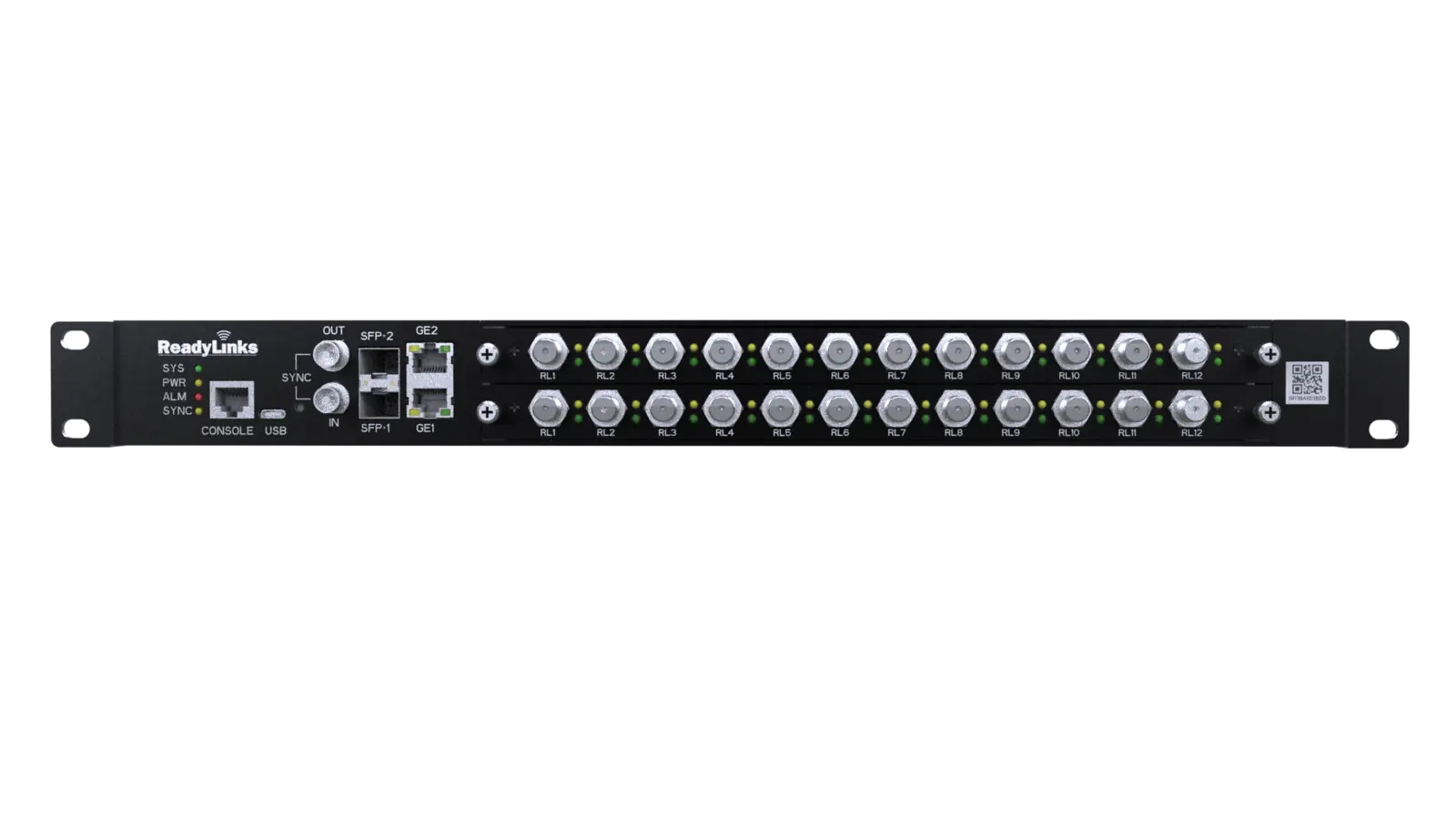
In the MDF
The GL-24xC-P600D
A 24-port ReadyLink coax host switch in 1U. Each coax port can serve up to 16 apartments through ordinary passive splitters, for up to 384 from one switch. The uplinks are two 10G SFP+ ports and two GbE RJ45 ports, and the P600D's dual power supplies give a 520 W PoE budget.
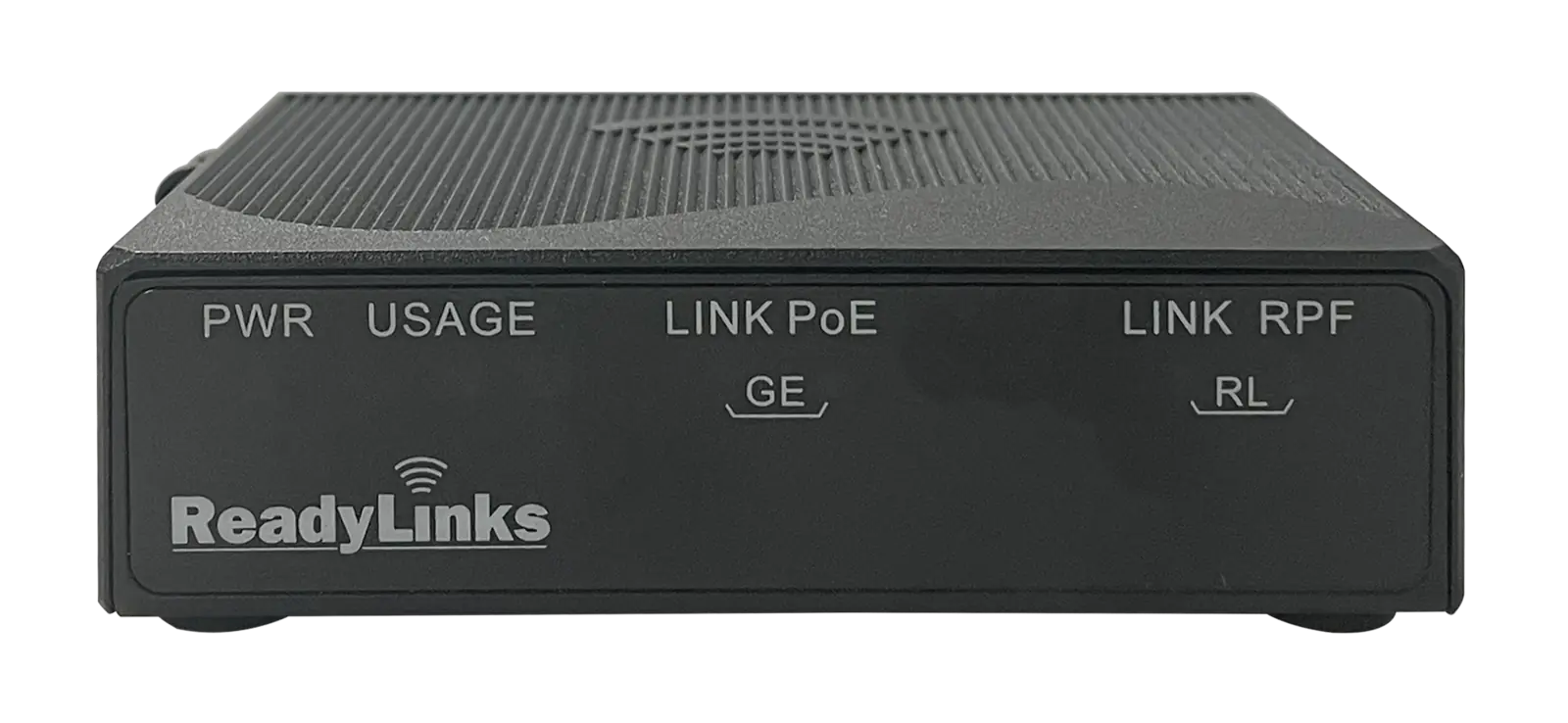
In the apartment
An IPC client on the coax outlet
The coax outlet in each apartment connects to an IPC-1CP-RPF, which turns the ReadyLink signal back into Ethernet on a 2.5GbE PoE++ port for the tenant's router or Wi-Fi access point. It is provisioned and monitored from the GL-24xC in ReadyView, so the property can see every apartment that's online.
Representative install. The switch and client devices are drawn larger than life so they read next to the building, and each ReadyLinks splitter is shown serving one stack of apartments. Actual splitter layout, cable runs and the number of apartments per port depend on the building's coax plant.