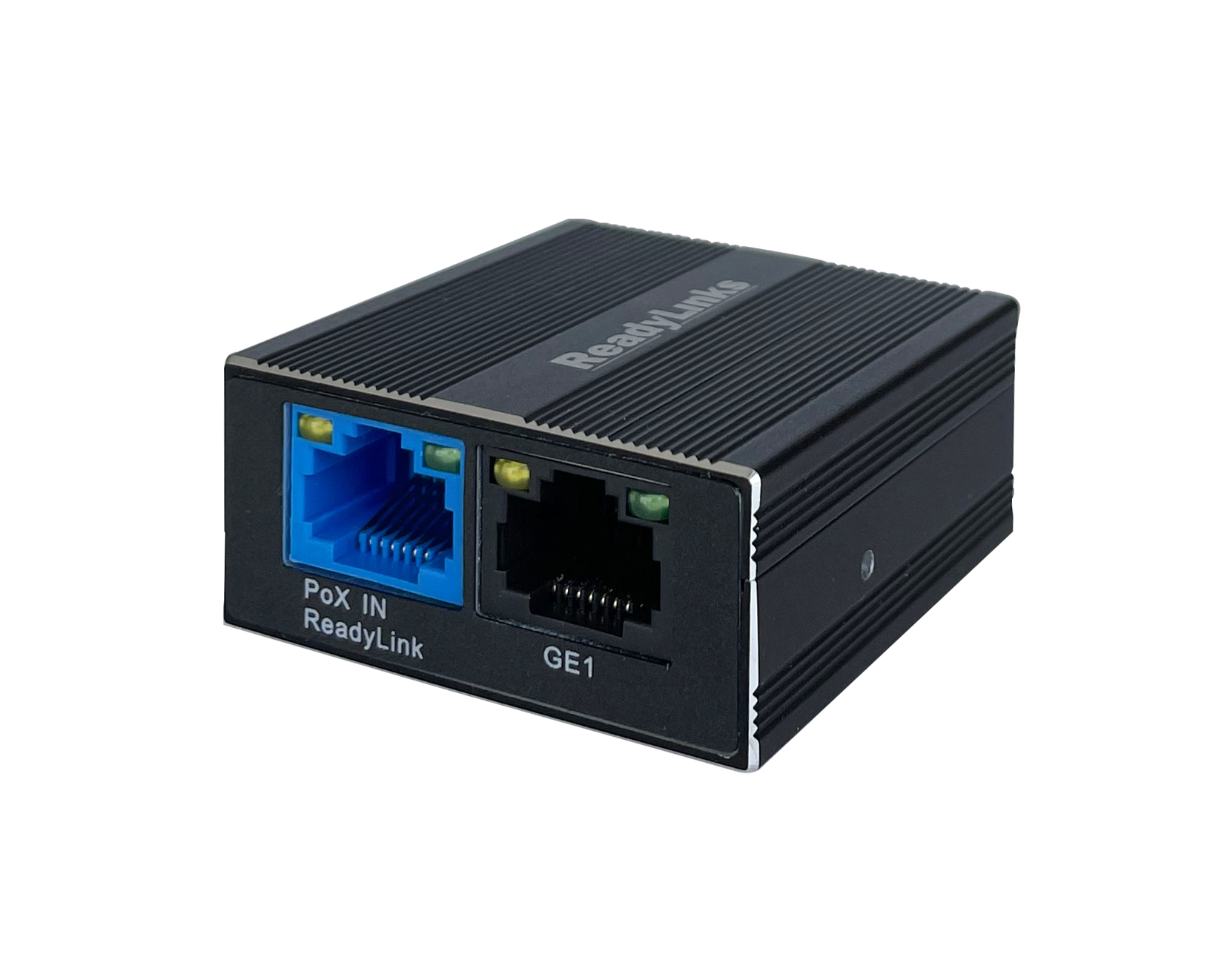
IPC-1 Series Overview and Specifications
-
- Managed via ReadyView dashboard
- PUT STUFF HERE:
- TODO:
ReadyLinks most compact client, the IPC-1 series revolutionizes infrastructure upgrades
Benefits
TODO: Point-to-Point
TODO: Point-to-Multipoint
Service over 360 end points from one switch leveraging ReadyLinks point-to-multipoint technology. Deliver high-speed Ethernet services over existing splitters and taps without replacing any existing cable infrastructure. Coexist with existing cable services using the built-in spectrum filtering functionality.
TODO: Move this Power Options
The ReadyLinks GL-x series provides a variety of options for upgrading power constrained networks, whether power is available in the equipment closet or in the customer premise. ReadyLinks PoX™ allows you to deliver PoE, PoE+, and PoE++ over single pair copper or coax infrastructure.
Cloud Networking allows for Infrastructure as Code (IaC) to be used to create and manage network infrastructure. The ReadyLinks API is a RESTful API that allows for the creation and management of network infrastructure. The API is available to all users of the ReadyLink platform.
Installation Guide
The cloud architecture provides an incredibly powerful sandbox and staging area without the need to ever unbox a single piece of hardware. This is mainly due to the fact that configuration changes and staging lives in the cloud until the device it is destined for checks in. This provides a broad array of new opportunities for streamlining new switch deployments as well as switch refreshes.
For more guidance regarding a typical ReadyLinks deployment flow, see the deployment guide here.
Enterprise Deployment
Typical enterprise networks consist of either one large or several distributed locations, with one being designated as the headquarter location.
Recommended staging process
Create a new network by clicking button on the networks page
Enter in the network location information and device mac address(es)
Once the network has been created, configure each of your switches as desired. Leverage the configuration library to quickly configure and clone your desired configuration from one to many like switches in the network.
Install and connect your switch(es) in their desired locations, provide power and a connection to the ReadyLinks cloud.
Configuration
By default, the .. acts as a transparent bridge, simply passing traffic to and from the connected ReadyLink switchport. However, each .. is capable of advanced
switching capabilities such as VLAN tagging, IGMP snooping, rate limits, etc.