
Why ReadyLinks · Operations

A network your facilities team can actually run.

Most buildings don’t have a network engineer. ReadyLinks assumes that: the state of every port is visible from across the room, replacements provision themselves, and you can ask the network questions in plain English.

Why networks go dark

Networks rarely fail because the hardware was bad. They fail because nobody left on site could read them.

The one who knew it left

Undocumented changes, a binder that stopped matching reality years ago, and a vendor who takes three days to call back.

Every port is a mystery

Nobody is sure what unplugging anything will do — so failed gear stays racked and problems get worked around, not fixed.

A visit for every glance

Confirming a link light shouldn’t cost a contractor dispatch. In most plants, it does.

Alarm fatigue

Monitoring that pages for everything gets ignored for everything — until the outage guests notice first.

What you get instead

Read the closet at a glance

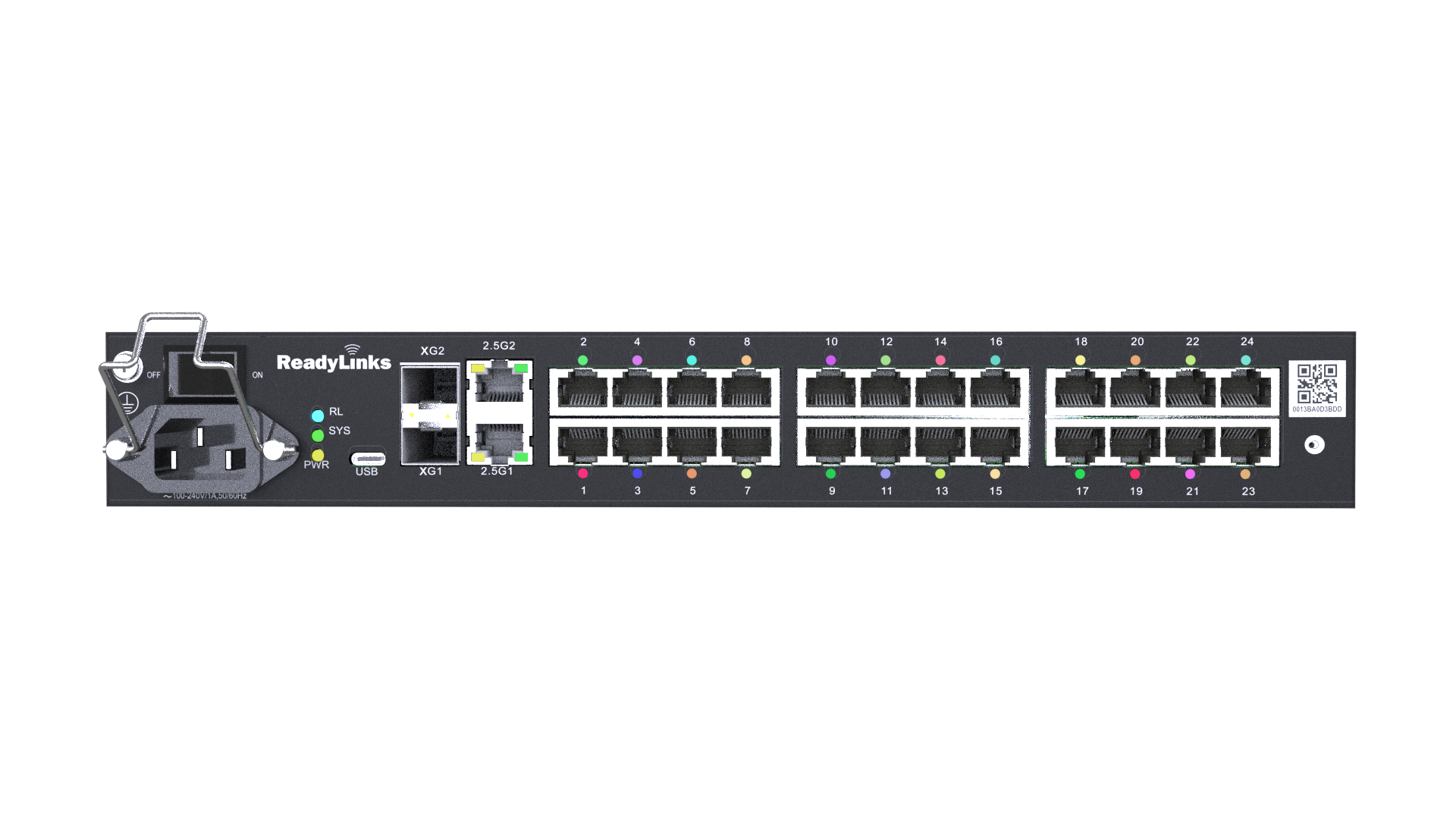
64-color per-port ReadyLighting shows each port’s role and state from across the room — no laptop, no console cable.

Zero-touch everything

A replacement switch pulls its identity and configuration from ReadyView the moment it’s cabled. Swapping hardware is facilities work, not an engineering project.

Ask, don’t diagnose

Ready — the AI copilot — answers questions about capacity, PoE headroom, and configuration, grounded in your actual design and documentation.

Documentation that can’t drift

The Design Center project is the as-built: racks, ports, power budgets, floor plans. Whoever inherits the building inherits the map.

How ReadyLinks does it

ReadyView cloud management

Zero-touch provisioning, real-time Layer-1 health, OTA firmware, and monitoring for every ReadyLinks device — one pane of glass across every property. Dual active/standby firmware means upgrades don't gamble with uptime.

Explore ReadyView →

A digital twin of every device

ReadyView renders the front and rear panel of any switch with live port status — preview configuration changes on the twin before they touch production, and troubleshoot remotely without opening the closet.

See the digital twin →

Fits the monitoring you already run

ReadyLinks OS speaks Web, CLI, SNMP, REST, NETCONF, and gRPC/gNMI — so the network reports into your existing monitoring platform instead of demanding a new one.

Browse the documentation →

ReadyLighting

Per-port, 64-color status lighting on the fanless GL edge family — the network explains itself to whoever is standing in front of it.

See a ReadyLighting switch →

Ready, the AI copilot

Built into the Design Center: ask about your design, attach an RFP or a room schedule, and let it draft the network — with every change approved by you.

Ask Ready →

Power that doesn’t need an electrician

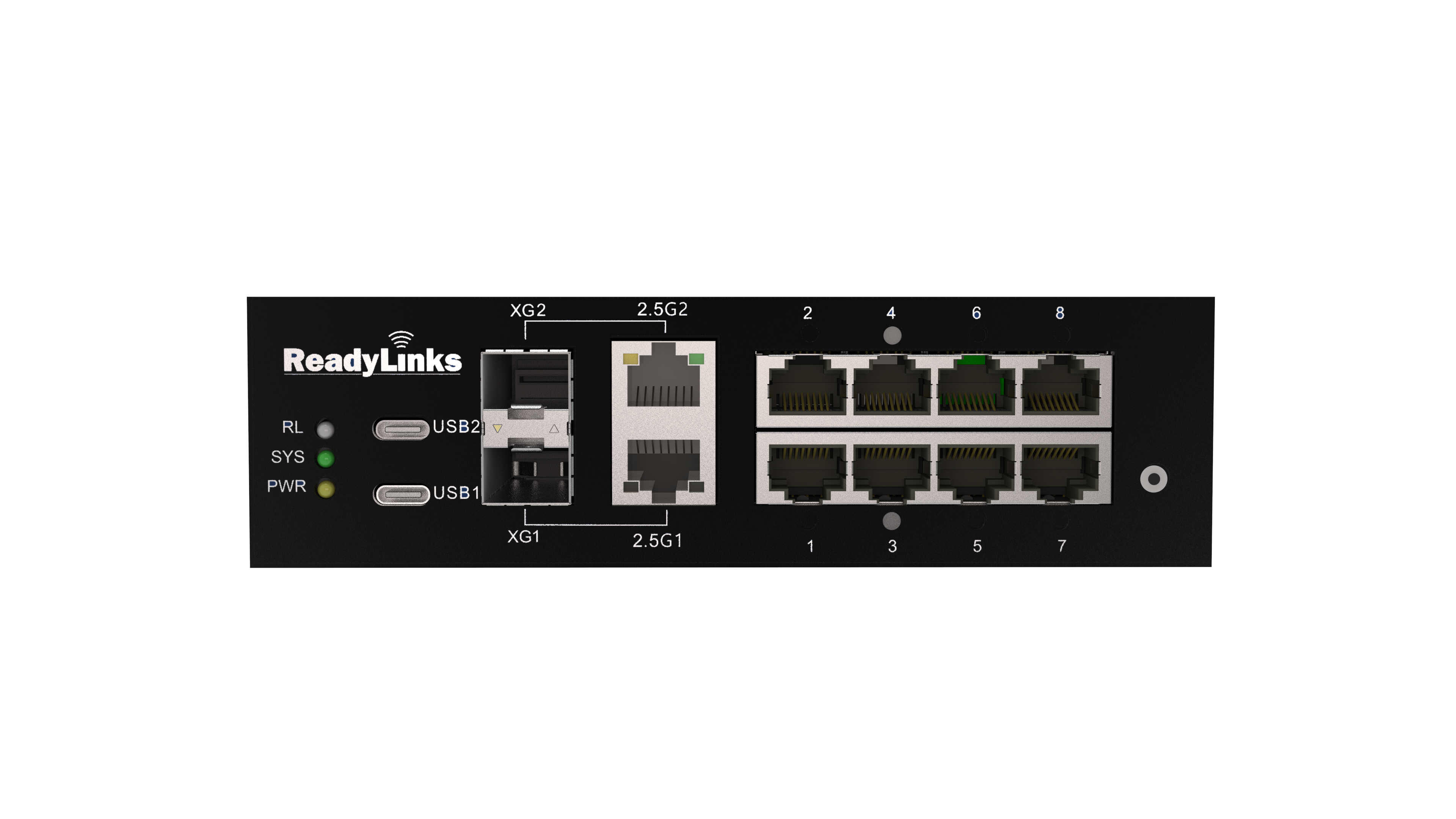
PoE++ to endpoints, PoE-PD powered micro-switches, and reverse power feed for hosts in spaces with no outlet — fewer dependencies to keep alive.

See the micro-edge switch →

Featured hardware

Executive suites, upgraded without an engineering department

Caesars brought modern connectivity to its executive suites on ReadyLinks — cloud-managed, powered over existing cable, and operable by the teams already running the property.

Read the story →
Keep exploring

Hand the network to facilities — confidently.

See ReadyView and ReadyLighting on a live demo network.