A new building doesn’t need a home run to every outlet. ReadyLinks collapses the cable plant: one run feeds a whole suite, closets shrink, and the design you draw is the network you hand over.
The traditional spec answers every question with more copper — and the building pays for it forever.
Hundreds of parallel cables, oversized trays, congested risers — pathway and firestopping costs that scale with every single outlet.
Ethernet’s reach limit forces extra IDF closets that exist for distance, not function — each one conditioned, powered, and secured for decades.
Wi-Fi 7 access points want bt-class PoE and multi-gig uplinks. A plant designed eighteen months ago may be obsolete at ribbon-cutting.
The as-builts rarely match the walls. The operator inherits a network nobody can fully describe.
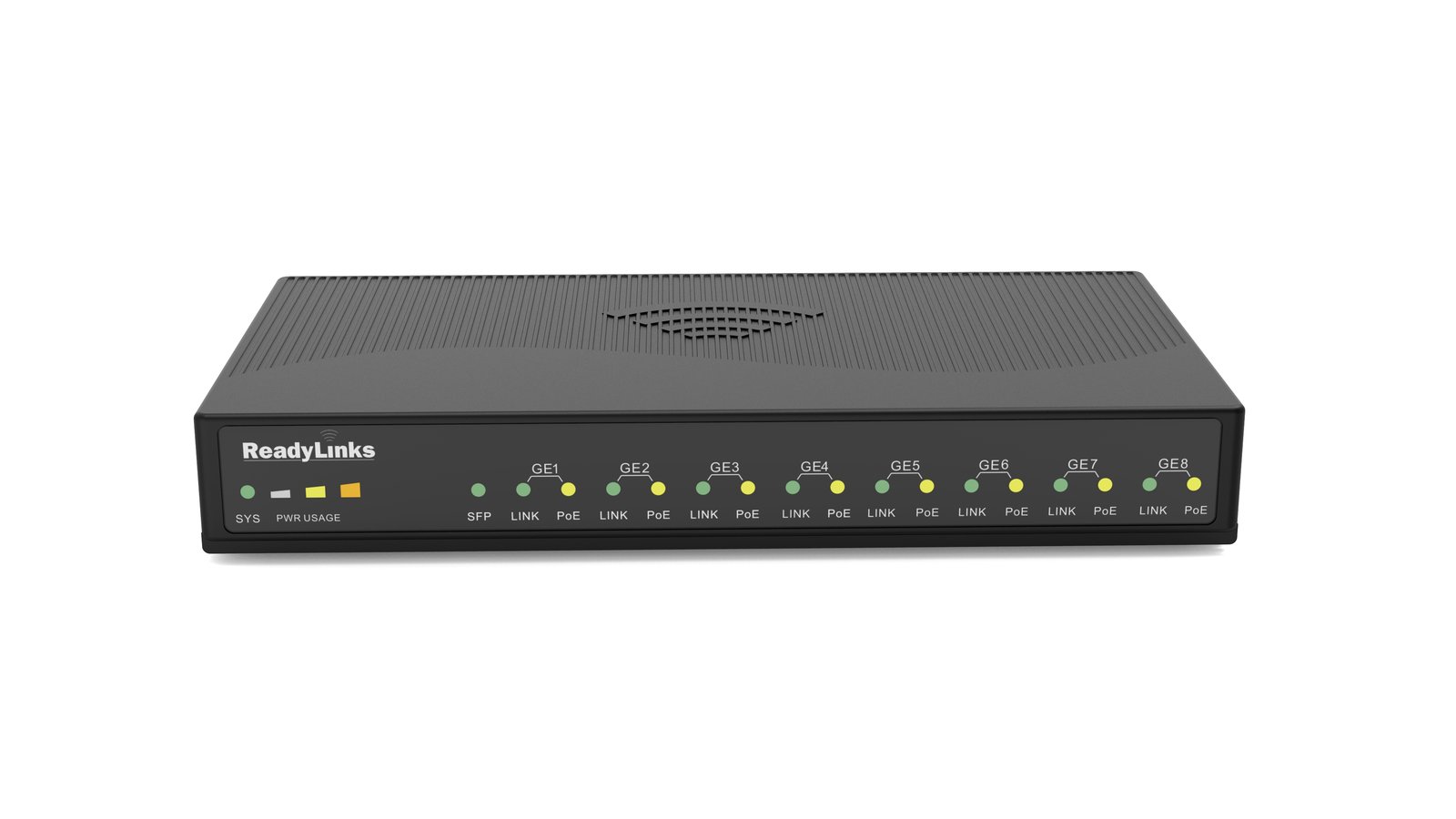
A single riser run feeds an in-suite ReadyLink client switch — up to eight 2.5G PoE++ ports per suite from one cable. In a warehouse build, point-to-multipoint saved over $1,000 per access point deployed.
ReadyLink runs reach far beyond 100 m, so closets exist where the design wants them — not where the cable gives out. One distribution-plant build cut IDF floor space by more than half, and stood the network up in a week instead of months.
EX-series access delivers 10G with PoE++ per drop — the class of port Wi-Fi 7 actually needs — with 25G/40G uplinks above it.
The Design Center project — racks, ports, budgets, floor plans — is the documentation the operator keeps on day 1,000.
EX, AX, and CX switching with VSU virtual stacking: up to four units become one logical switch, MC-LACP spans members, any one can fail.
See campus switching →IPC-4C and the IPC-8 series put 4–8 powered multi-gig ports inside the suite off a single uplink — fiber, pair, or coax.
See the IPC-8 series →The Design Center scores the design — PoE class compatibility, port speeds, redundancy, thermal — with one-click fixes, before anything is ordered.
Open the Design Center →Ceiling APs on 10G PoE++ ports run at full performance — no throttled radios, no bottlenecked uplinks.
Check Wi-Fi 7 readiness →The Design Center gives you the BOM, budgets, and topology in an afternoon.