Documentation
ReadyLinks Documentation
Guides, hardware references, and APIs for deploying and operating ReadyLinks networks with the ReadyView dashboard. New here? Start with the Quickstart guide.
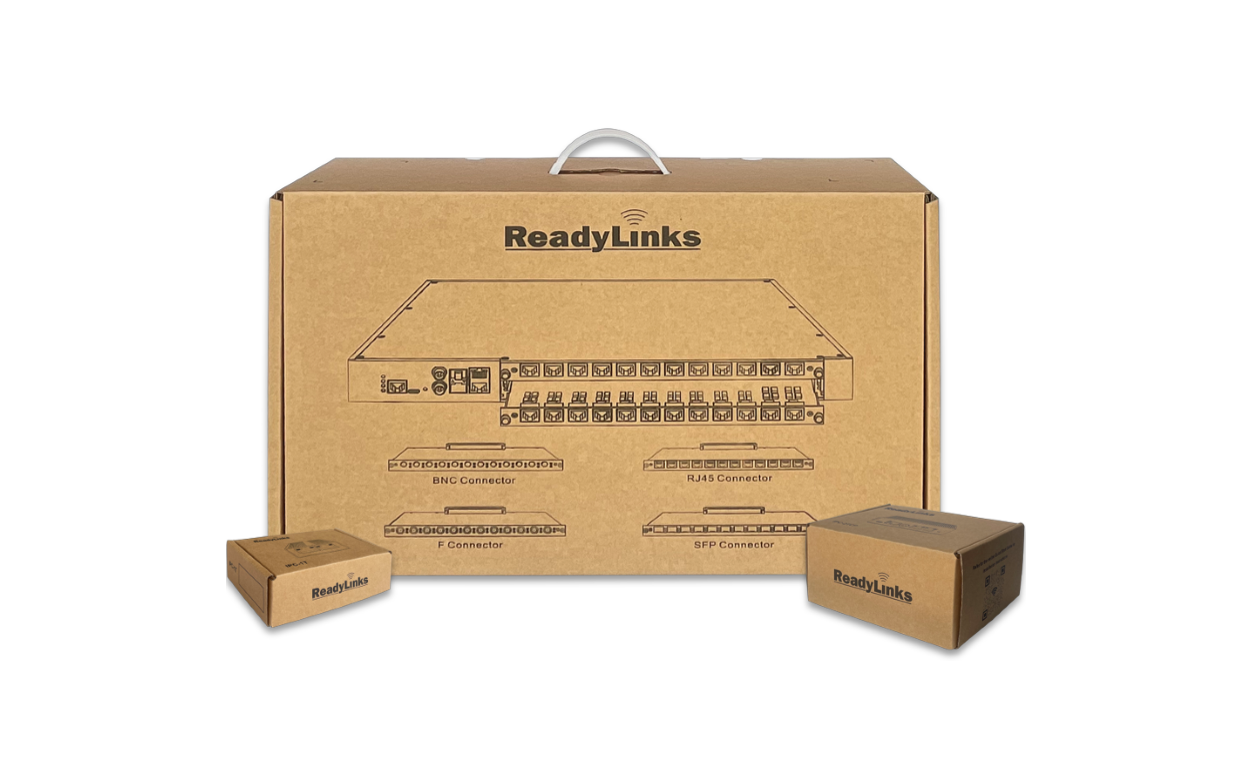
Getting started
Set up ReadyView, build your team, and claim your devices.
ReadyView
Find your way around the ReadyView dashboard: sites, devices, ports, alerts, and administration.
Networking basics
How networks work: addressing, VLANs, multicast, Layer 2 security, and troubleshooting.
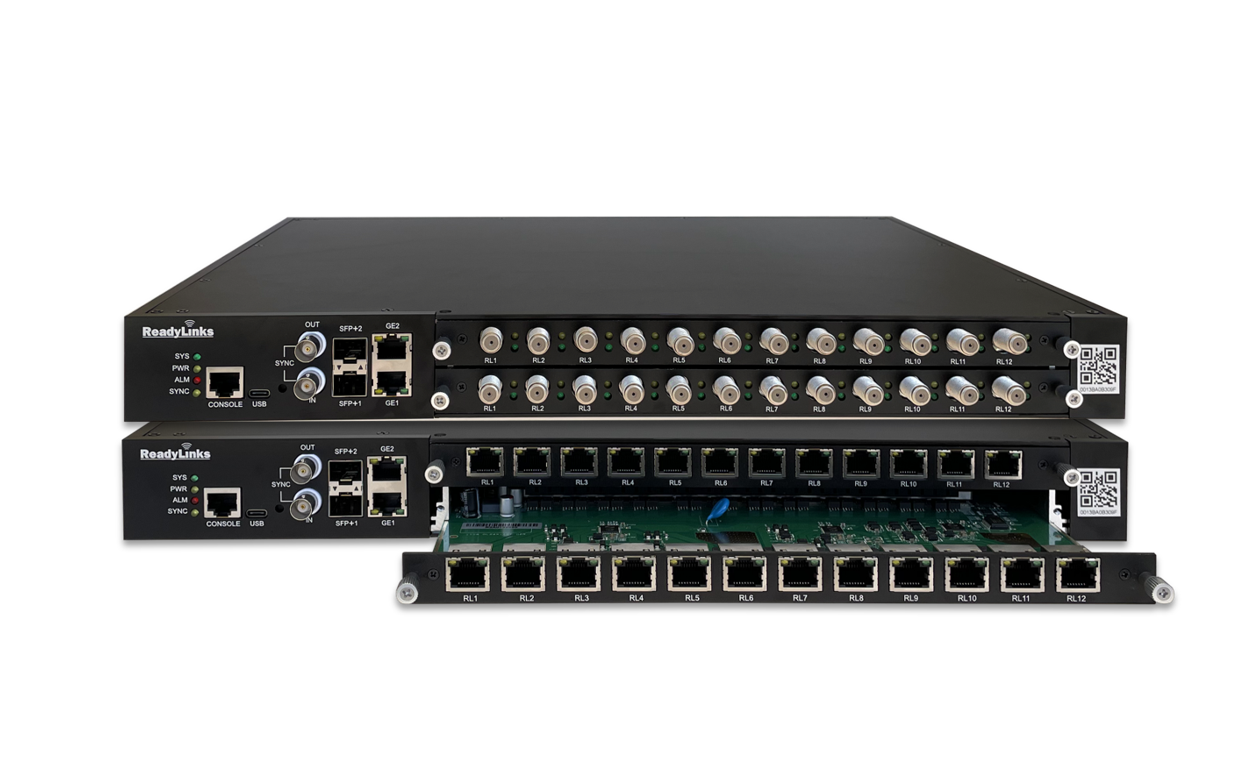
Switches
GLx and GLxH switch families, settings, and VectorBoost.
Firewalls
ReadyWall firewalls in ReadyView: rules, threat protection, VPNs, uplinks, and monitoring.
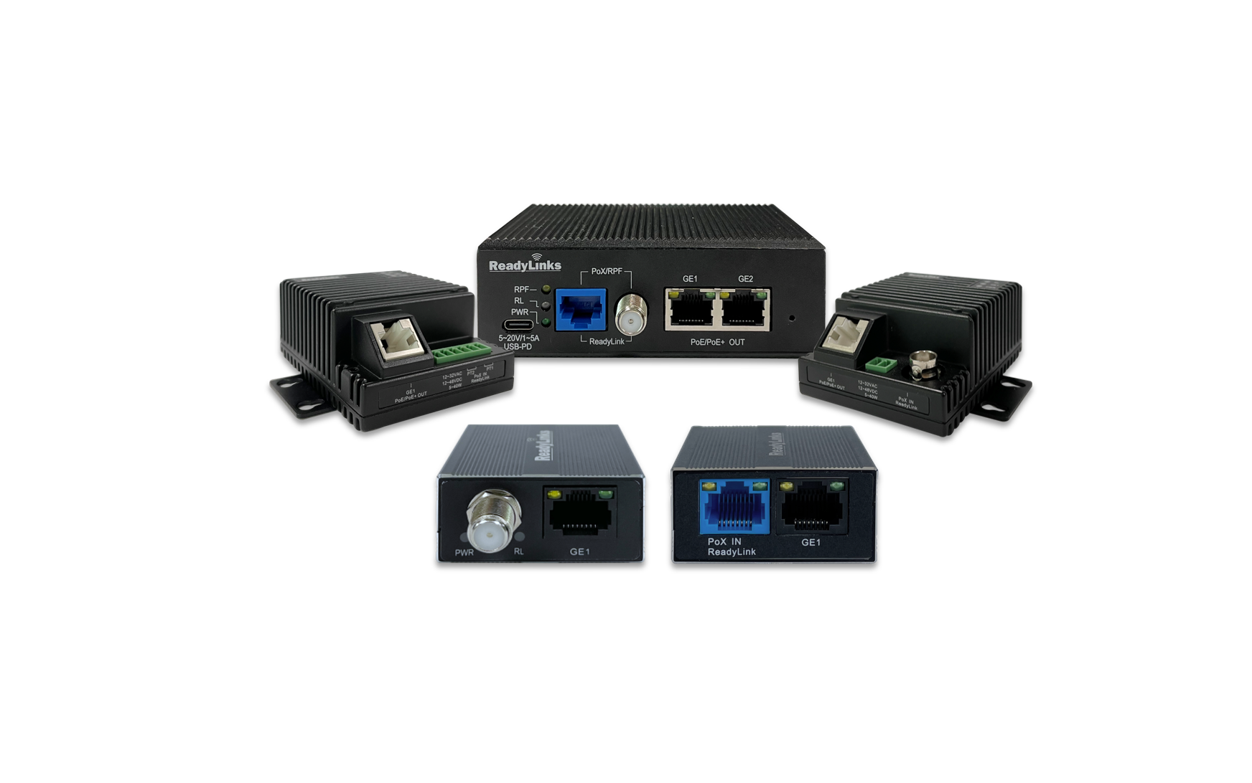
Clients
IPC access switches with PoE over coax, phoneline, and Ethernet.
Best practices
Deployment guide, firewall rules, firmware, templates, and wiring.

Installation guides
Mounting and setup guides for GLx and GLxH switches.

Subscriber management
ReadyOn onboarding, administration, roles, single sign-on, and alerts.
Developers
Manage network infrastructure as code with the ReadyLinks REST API.
IPC
IPC-1, IPC-4S, and IPC-2TCP-RPF client models.
Getting started
- Quickstart
Mount, connect, claim, and configure your first ReadyLinks switch.
- Networking basics
A ground-up explanation of how networks work, with GL-series switch commands.
- Firewall rules
The hosts and ports your network must allow outbound.
- Connect a firewall
Bring a ReadyWall online, claim it, and choose what ReadyView may change.
- GLx installation guide
Prepare, rack-mount, and connect a GLx series switch.
- API reference
Where to find the REST API documentation and interactive reference.
Need help?
See Contact support for how to reach the ReadyLinks team, or email [email protected] for immediate questions.