Configuration templates
How to create, modify, and bind ReadyView configuration templates so many ReadyLinks devices can be deployed from a single base configuration.
A configuration template is a powerful tool to help you streamline your deployment flow. Provision all your devices with a single template before bringing even a single device online.
Configuration templates allow many ReadyLinks devices to be deployed following a single base configuration. This makes it much easier to roll out new devices while maintaining a consistent configuration. Templates allow you to define a standard base configuration with the flexibility to adjust individual device configurations after applying the template.
#Create a template
Follow the steps below to create your first configuration template. This template will then be used as the base configuration for all of the devices bound to it.
- Navigate to Settings > Configuration templates.
- Click Create a new template.
- Choose to create a New template or Clone an existing template.
- Provide a Template name.
- Click Save.
#Modify a template
To edit the template's configuration, select it in the Templates table and make any desired changes. Make sure to save your changes before leaving the page. Refer to switch settings for more details about the individual device settings.
#Bind a template to a device
Once a template has been created, you can bind it to a device to update the device's base configuration.
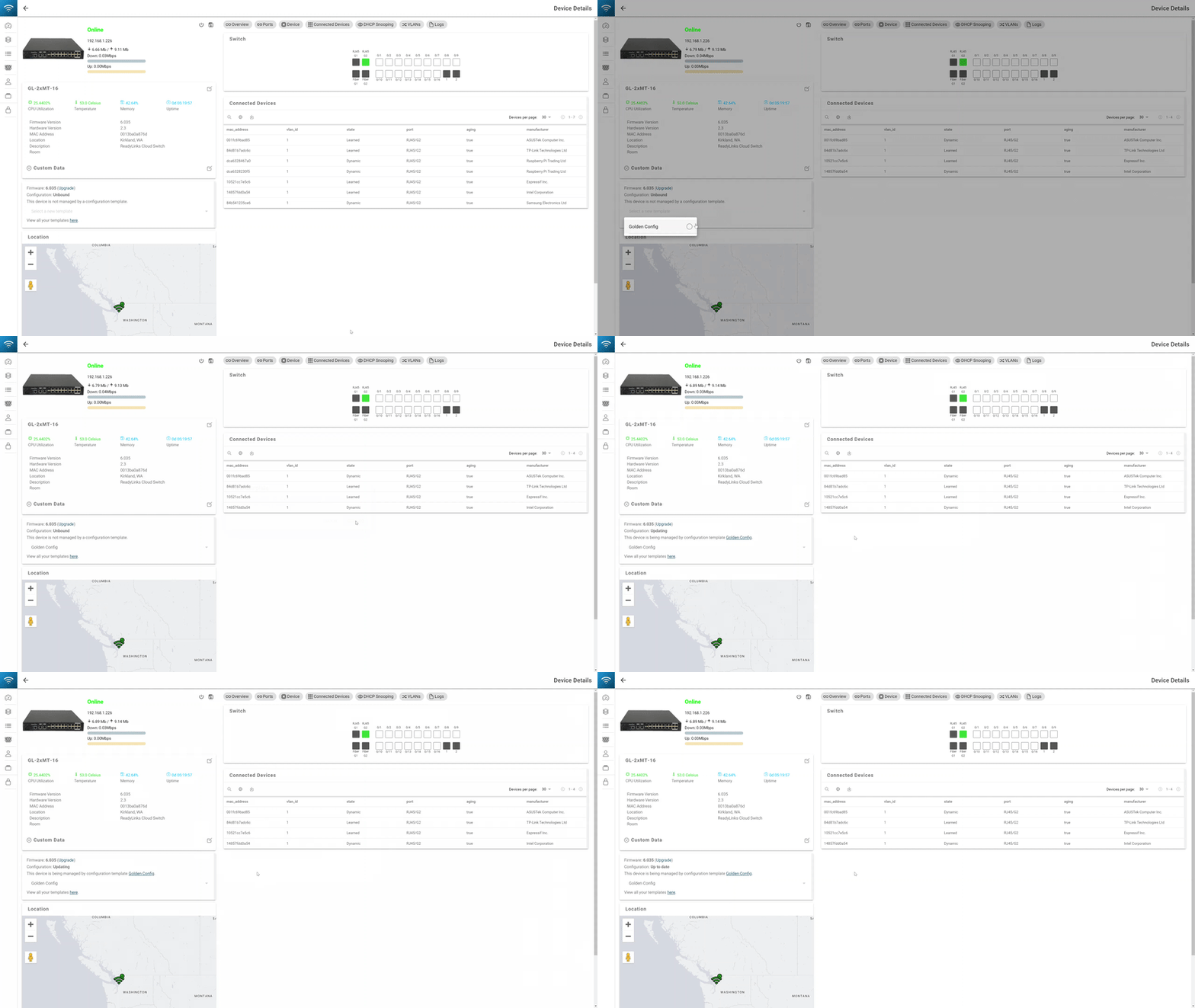
To bind a device to a template:
- Click into the device.
- Select the configuration template to bind.
- Click Confirm.
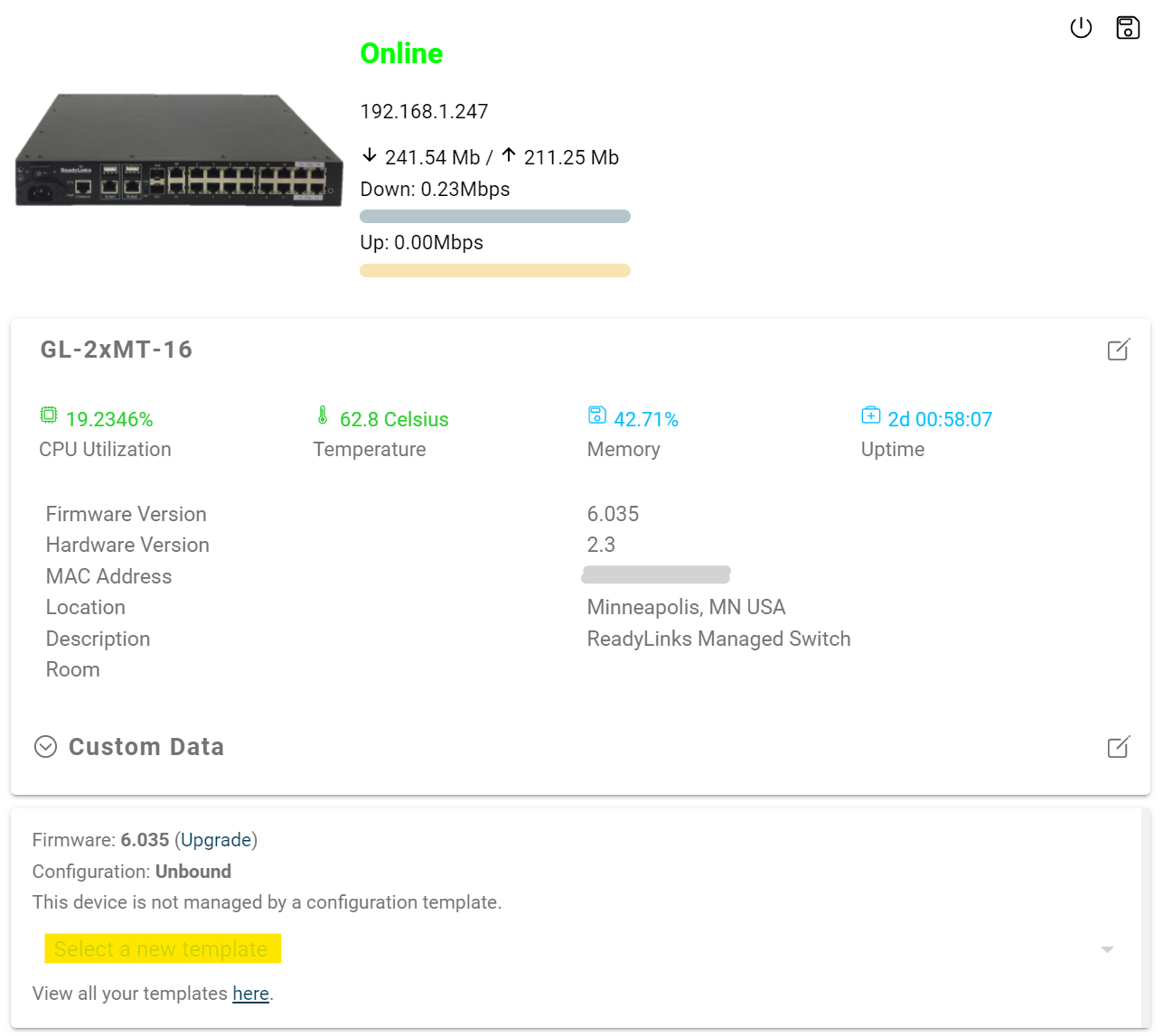
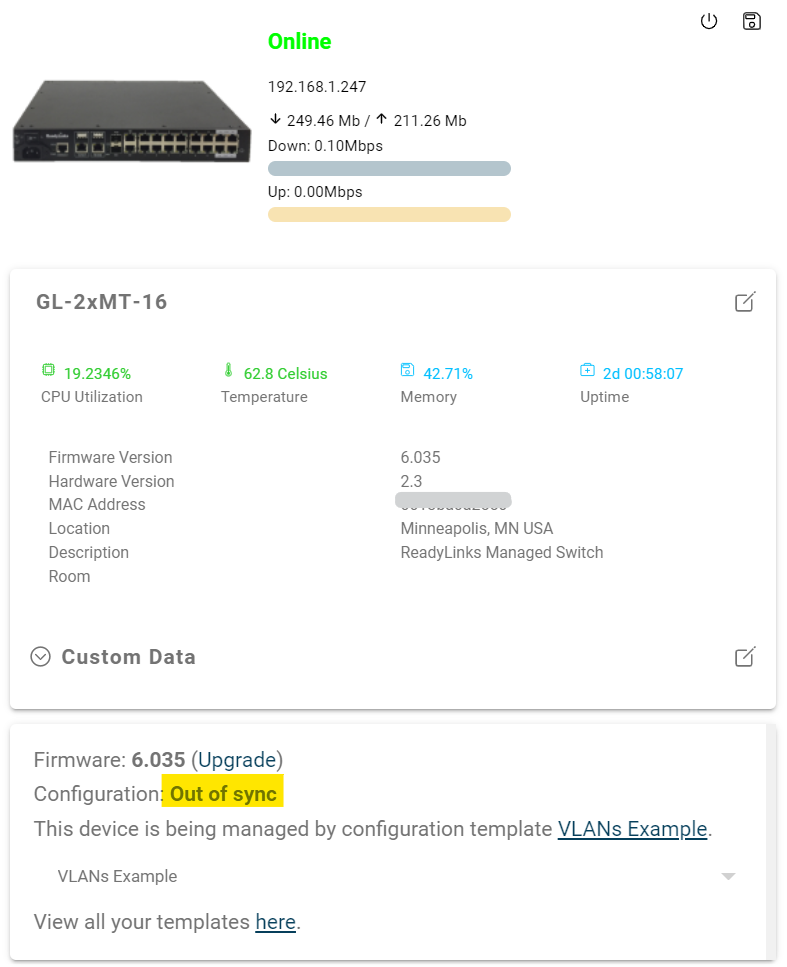
As the device is being provisioned, it will show a configuration status of Updating.
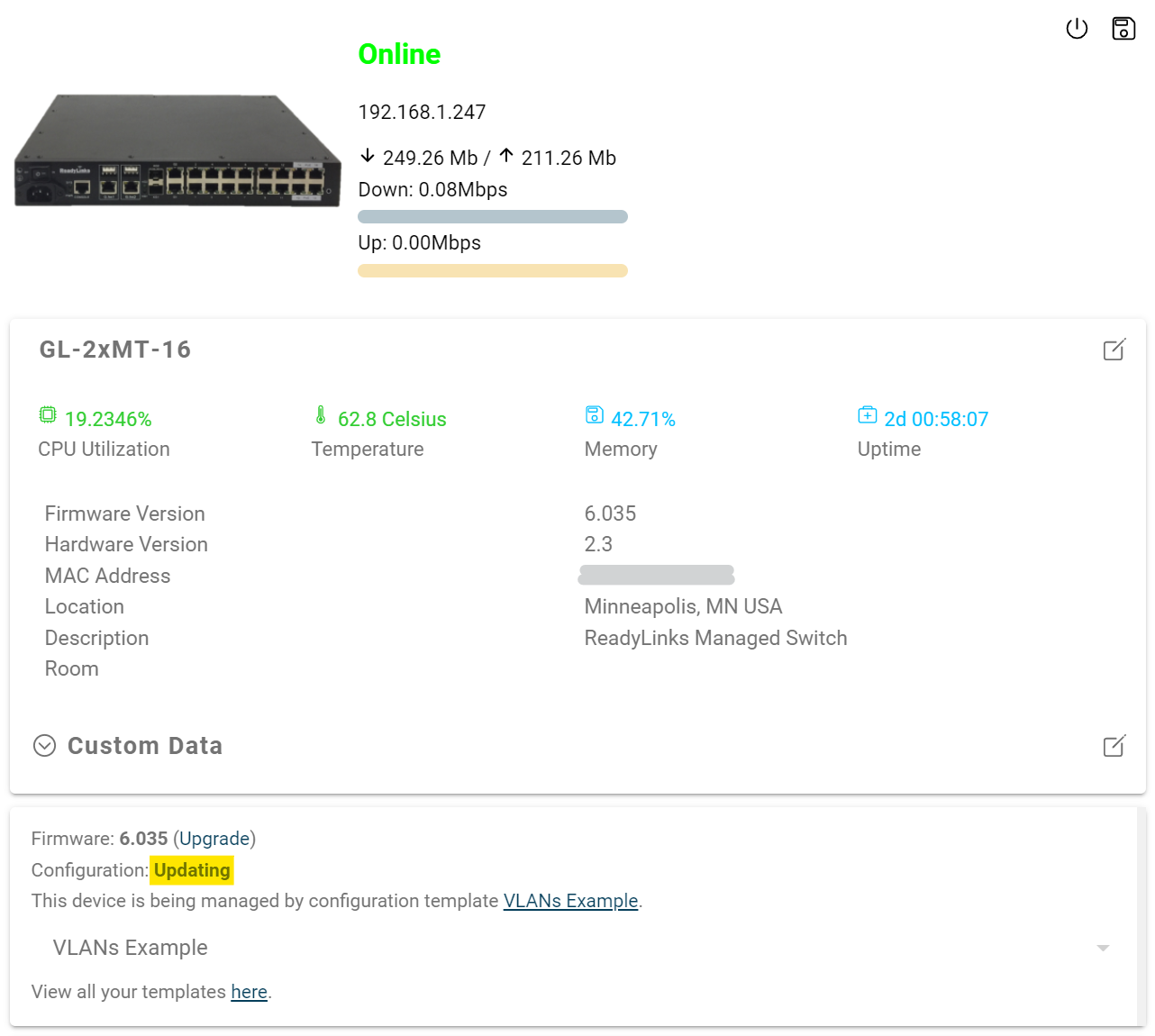
Once the template binds to the device, it will show a configuration status of Up to date.
#Troubleshooting
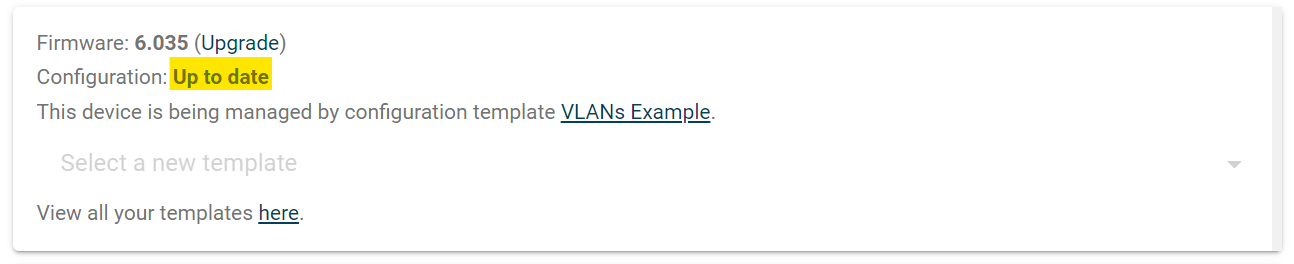
If the provisioning fails or one of the configurations causes the device to lose connection to the Internet, it will show a configuration status of Out of sync. You can always try to reapply the template, but if a configuration in the template causes the device to go offline, you will need to reboot the device to restore it to the previous running configuration.
Last updated March 23, 2021